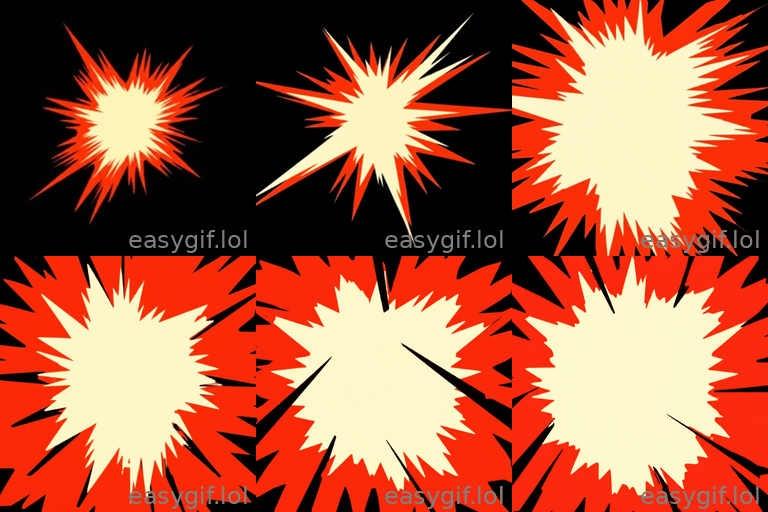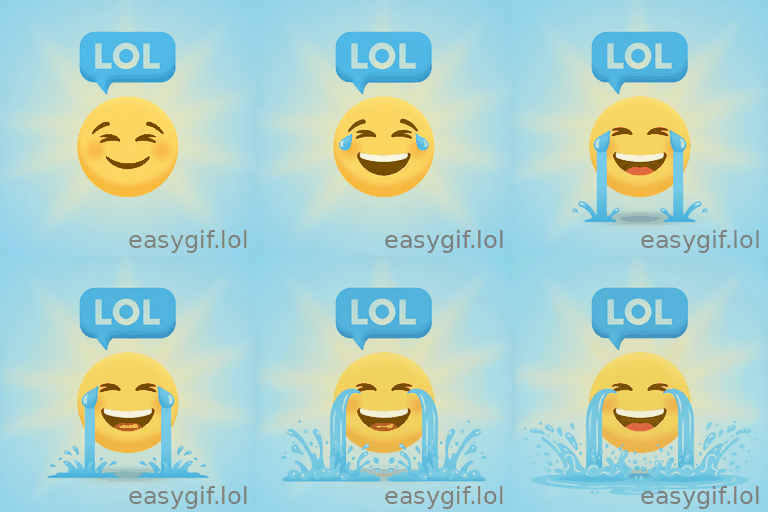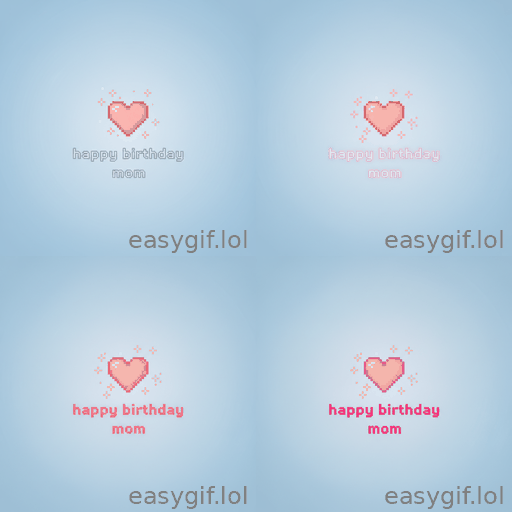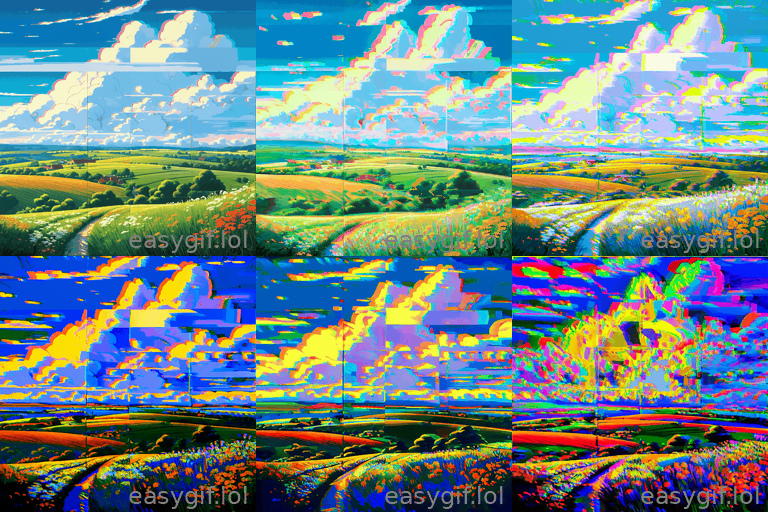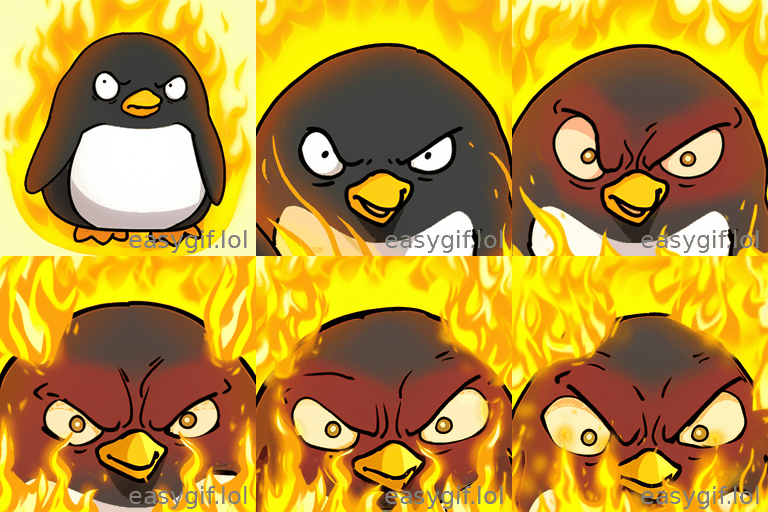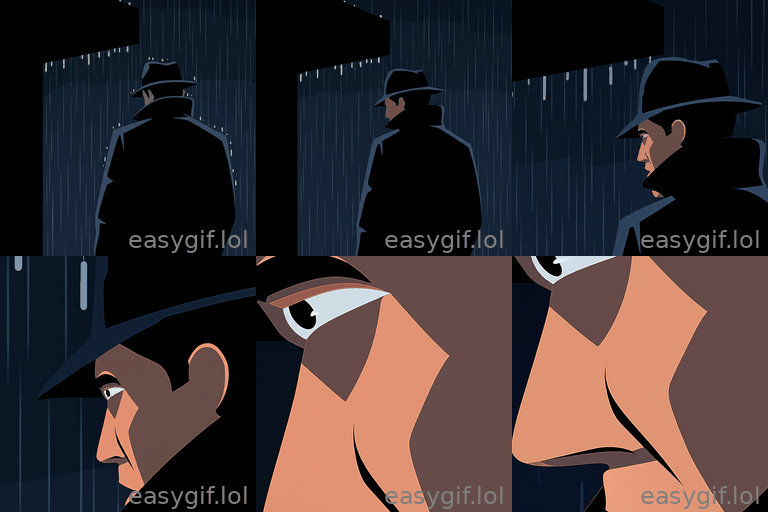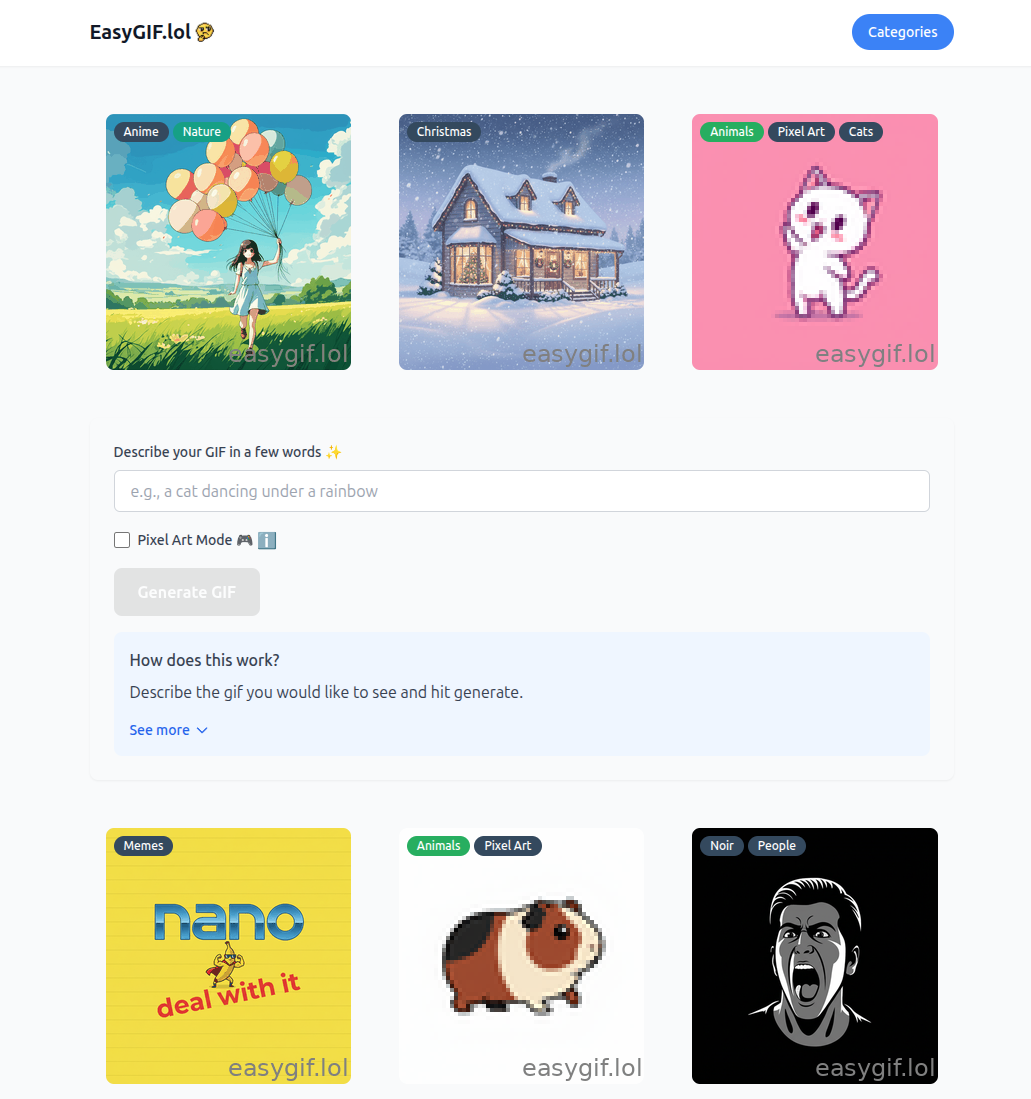
but why?
Animated GIFs are fun and feel like nostalgia in 2025.
When Google released their Gemini 2.0 models with native image generation capabilities and poeople were playing with them on twitter, I saw an opportunity. The model could generate multiple images in a single request which perfect for animation frames. I decided to build a minimal web app around this capability: describe your GIF in a few words, get an animated result in seconds.
Requirements
The core requirements were intentionally minimal:
Must haves:
- Generate animated GIFs from text descriptions
- Share GIFs with memorable, short links
- Mobile-first, clean design
Nice to have:
- Pixel art mode for that retro aesthetic
- Category organization for discoverability
- Admin interface for content moderation
Oh, and with these quick vibe-coded projects: done is better than perfect.
Architecture Overview
The stack is intentionally simple:
- Backend: Python Flask because that’s what I am familiar with
- Frontend: Vanilla HTML/CSS/JS with Tailwind CSS
- Database: SQLite because it’s so easy
- AI: Google Gemini API (mostly for frame generation but also for static SEO content)
- GIF Assembly: ffmpeg
The GIF Generation Pipeline
The first version was naive: send a prompt to Gemini, get frames back, stitch them into a GIF. It worked, but the results were inconsistent. Sometimes I’d get 3 frames, sometimes 8. The animation quality varied wildly.
After iterating on the prompt, I settled on asking for exactly 8 frames with explicit instructions about consistency:
Create 8 square images representing a sequence of frames for an animation.
The prompt for the animation is: "{user_prompt}".
The images should have clean, thick lines, bold colors, improved contrast.
Make sure to show clear, logical and incremental progression between the images.
I also added retry logic: if the API returns fewer than 3 frames, the request is retried with an enhanced prompt. This handles the occasional API hiccup gracefully.
Image Processing Pipeline
The processing pipeline is much simpler because it’s deterministic. Downsize images, stitch them, add watermark, keep various copies around, register them in the database, done.
The order of operations matters though. I initially applied the watermark before the final resize, which meant the watermark looked different at different sizes. Moving it to after the final resize ensured consistency.
Short Links: Three Words to Remember
Every generated GIF gets a shareable URL like s/cute-swipe-tho or s/click-tea-hype. I thought it would be fun to do something like what3words but related to GIFs and internet culture.
The implementation is dead simple:
def generate_quicklink(separator='-'):
    return separator.join(random.sample(WORDS, 3))
The interesting part is the word list. I curated asked grok to generate 200 short words (max 5 letters) themed around internet culture: gif, meme, pixel, yeet, pog, dank, vibe, lol, bruh, sus.
With 200 words and 3-word combinations, that’s n! / (n-3)! = ~7.8 million possible links, which should be enough :)
Show the full list of words (text)
gif
pic
meme
emote
bit
byte
pixel
frame
loop
clip
snap
shot
vid
web
net
post
tweet
like
share
viral
trend
hash
tag
lol
kek
yeet
zoom
glitch
retro
8bit
game
play
sprite
tile
bop
boop
ding
beep
ping
chat
text
send
link
url
site
blog
vibe
mood
hype
stan
fave
icon
face
wink
cry
laugh
rage
troll
spam
bot
mod
ban
kick
mute
lurk
scroll
swipe
tap
click
view
peek
gifz
png
jpg
bmp
webp
flip
spin
fade
glow
blur
crop
zoom
pan
tilt
warp
morph
shift
slide
bounce
jolt
shake
twirl
pop
zap
boom
pow
wham
oof
yeep
nope
yup
bruh
dude
fam
squad
bae
lit
fire
dope
cool
epic
fail
win
salt
tea
sip
shade
drag
slay
goat
chad
lmao
rofl
omg
wtf
btw
idk
tbh
smh
fml
pog
sus
cap
noob
pro
ez
gg
rip
raw
dank
edgy
cute
lewd
nsfw
safe
flex
glow
hella
srsly
tho
ye
nah
bet
buss
clout
drip
fomo
jomo
kpop
stan
bias
ship
canon
head
lore
meta
nerd
geek
byte
code
hack
bug
fix
lag
ping
dash
rush
skip
load
buff
nerf
op
imba
tilt
rage
quit
join
host
stream
live
clip
vlog
reel
tik
tok
snap
insta
dm
rt
The Admin Interface Evolution
![Placeholder: admin review interface screenshot]
Content moderation wasn’t in the original scope, but became necessary once I realized not all generated GIFs should be public (or at least not before human review).
The review interface shows one GIF at a time with category assignment and action buttons (approve/skip/delete). After each action, it auto-advances to the next item. This single-item focus turned out to be much more efficient than showing a grid — less decision fatigue.
Categories can be assigned via checkboxes, and new categories can be created inline. The interface also shows the original prompt and generation timestamp.
Current State and Future Ideas
The application is stable and handles the core use case well. Potential future improvements:
- GIF remix: Take an existing GIF and modify it (change colors, add text, alter animation). It was hard with Gemini 2.0 image generation, but shoudl be a lot more doable with Nano Banana in December 2025!
For now, it does what it set out to do: create weird GIFs in seconds.